
Sway™
Rocky Road GamesTrivia
4.6202.00 Reviews
- Version
- 1.0.35
- Installs
- 100.00K
- Age Rating
- Everyone
Screenshots
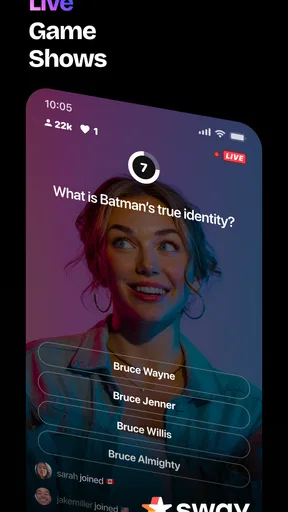
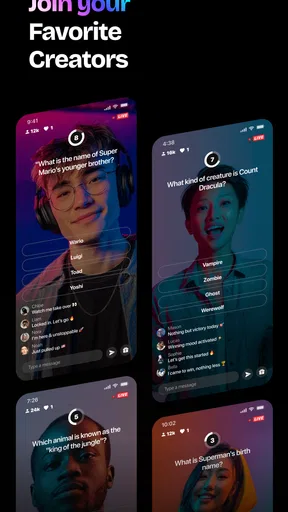
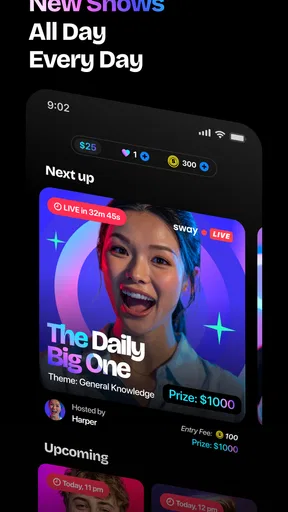

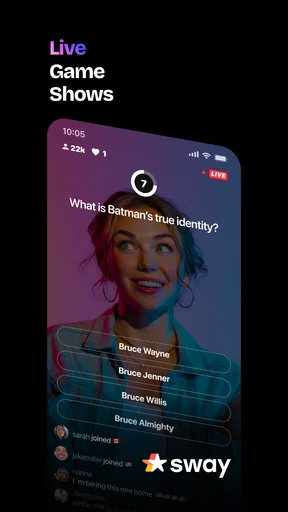
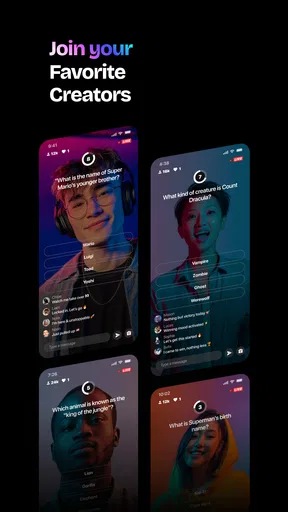
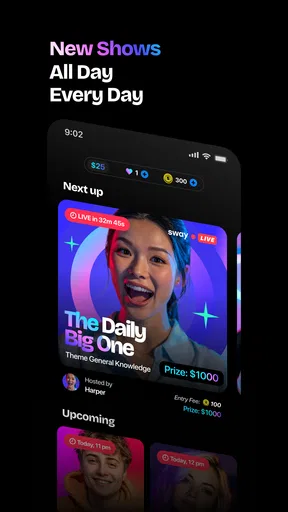
Our Review of Sway™
 Analysis by Appyee
Ever had one of those days where you just want to kick back and let your creative juices flow without the pressure of being Picasso? Well, let me introduce you to Sway™, an app that's all about bringing your artistic visions to life in a fun, interactive way. If you're into creating animations or just want a new way to express yourself, this app might just be your new best friend.
Getting Started with Sway™
When you first open Sway™, you're greeted with a clean and friendly interface. It's like a blank canvas waiting for your imagination to take the wheel. The app is designed to be intuitive, so you don't need a manual to get started. Just dive right in, and you'll find yourself creating animations in no time.
One of the coolest features is the ability to use your phone's motion sensors to control your creations. By tilting and swaying your device, you can make your characters move in ways that feel incredibly natural. It's almost like you're playing a game, but with the added bonus of creating something uniquely yours.
Features That Make Sway™ Stand Out
Let’s talk about some of the features that make Sway™ a standout app. First off, the app offers a variety of templates and characters to get you started. Whether you want to animate a dancing cat or a flying superhero, Sway™ has you covered. The library is extensive, and the constant updates mean there's always something new to try out.
The app also allows for a lot of customization. You can tweak almost everything about your animations, from the speed and direction of movement to the colors and backgrounds. There's a real sense of freedom here, allowing you to create something that's truly your own.
Another nifty feature is the ability to share your creations directly from the app. With a simple tap, you can showcase your animations on social media or send them to friends and family. It's a great way to get feedback or just spread a little joy with your newfound animation skills.
User Experience and Design
Let's chat about the user experience because, honestly, that's where Sway™ shines. The developers have done a fantastic job of making the app both powerful and approachable. Everything is where you'd expect it to be, and the learning curve is practically non-existent.
The design is sleek and modern, with a focus on usability. The colors are vibrant, and the animations are smooth, making the whole experience feel polished. It's clear that a lot of thought went into making sure users of all ages could pick up the app and start creating without a hitch.
Why You Should Give Sway™ a Spin
So, why should you give Sway™ a go? First, it's just plain fun. Whether you're looking to kill some time or want a new creative outlet, this app delivers. It's perfect for those moments when you need a break but still want to do something productive.
Moreover, the app offers a unique way to explore animation. Even if you've never dabbled in the art form before, Sway™ makes it accessible for everyone. It's a fantastic tool for budding artists and seasoned pros alike who want to experiment with animation without the complexity of professional software.
In conclusion, Sway™ is a delightful app that's worth checking out. It's user-friendly, packed with features, and provides endless opportunities for creativity. Whether you're an artist at heart or just someone who loves to explore new apps, Sway™ is sure to add a little color to your day.
Verdict
Strengths of Sway™
- Intuitive interface for easy navigation.
- Wide range of design templates available.
- Real-time collaboration with team members.
- Seamless integration with Microsoft apps.
- Offline mode for editing projects anywhere.
Limitations of Sway™
- Limited export formats for projects.
- Requires Microsoft account for full features.
- Some advanced tools need a learning curve.
- Occasional sync issues with cloud storage.
- No direct social media sharing options.
Similar Picks in This Category
View All
Millionaire 2026 Quiz & Trivia
Quiz & Trivia Games by Submarine Apps4.5

Brain Test 2: Tricky Stories
Unico Studio4.7

Trivia Crack: Brain Quiz Games
etermax4.4

QuizzLand. Quiz & Trivia game
Quiz & Trivia Games by Mno Go Apps4.8

Brain Test: Tricky Puzzles
Unico Studio4.7

Logo Quiz
bubble quiz games4.5
Frequently Asked Questions
What is Sway™ and how does it work?
Sway™ is a dynamic storytelling app that allows users to create engaging presentations with ease. It leverages a user-friendly interface where you can drag and drop text, images, and multimedia elements to craft visually appealing stories. Whether for professional or personal use, Sway™ helps convey your ideas effectively without needing advanced design skills.
Is Sway™ available on all devices?
Sway™ is available for both Android and iOS devices, ensuring you can create and view presentations on the go. You can also access Sway™ via a web browser, making it versatile for use on desktops and laptops. This cross-platform availability ensures that your presentations are always within reach, regardless of the device.
Can I collaborate with others using Sway™?
Yes, Sway™ supports collaboration, allowing multiple users to work on a single presentation simultaneously. You can invite team members via email or a shareable link, and they can add or edit content in real-time. This feature is particularly beneficial for team projects, ensuring seamless collaboration and idea sharing.
What are the limitations of using Sway™?
While Sway™ offers a range of features for creating interactive presentations, it might not suit users who need highly customized or complex design options. Some users find the layout options limited compared to traditional presentation software. Additionally, advanced users may miss more sophisticated design tools and offline access features.
Is Sway™ free to use, or does it require a subscription?
Sway™ offers a free version with basic features suitable for most users. However, to access premium features, such as additional templates and advanced customization options, a subscription may be required. This tiered pricing model allows users to choose the level of functionality they need based on their requirements.
Play our best games!


